 COME
COMEOrient Yourself in COME Before an Account Action
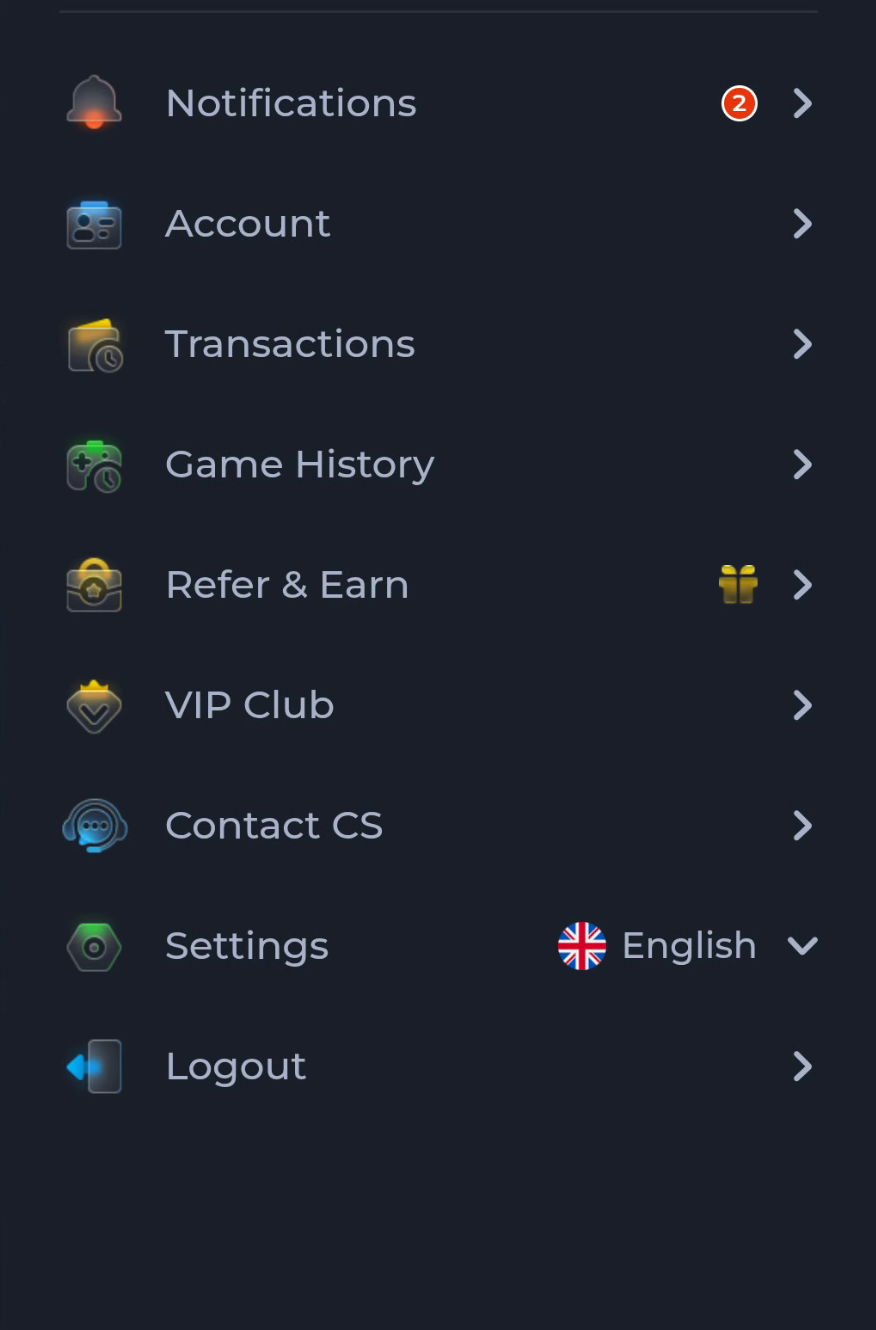
Before changing an account or opening an activity record, identify the menu and the account context you are using. The COME menu separates account controls, history, help and settings.
Read the menu labels
Account, Transactions and Game History serve different contexts. Choose the one matching the action you intend. A download button or game cover does not show which account record you are currently viewing.
Keep recovery access available
If you already use COME, follow the intended account route and avoid Logout or data resets while uncertain about recovery. Installing another copy of an app is not a substitute for resolving a login issue.
Ask within the correct service context
Use Contact CS or the matching help option for account-specific questions. Describe the screen and action with relevant non-sensitive details. The website’s reading guidance cannot change an account or resolve a transaction on your behalf.
A useful next step
Use Home to return to the app overview and Guides to choose a narrower task before continuing.